
OPSGLIDE FIELD
Plan the work.
Move the team.
Bring skills, schedules and job context together. Help dispatchers make a better assignment, then keep field evidence connected to the outcome.
A standalone product for technician scheduling, dispatch and execution evidence. Add Assets when work comes from an asset-care programme.
THE RIGHT CONTEXT. IN THE FIELD.
Make the next visit count.
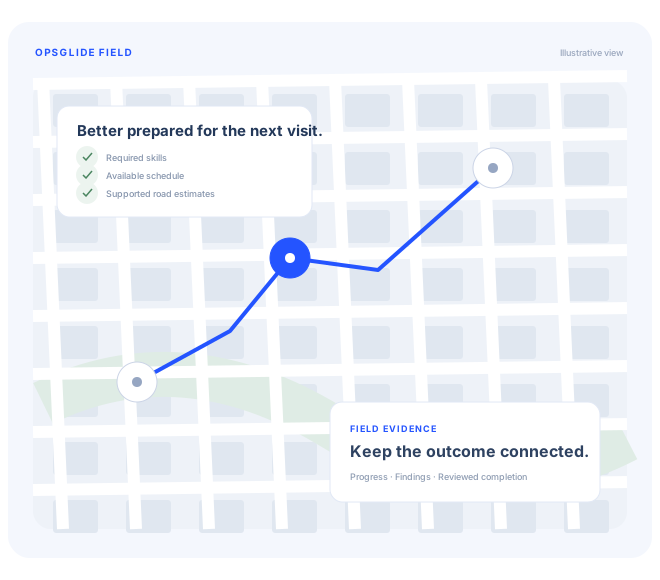
Dispatch is more than finding the nearest person. Opsglide Field brings required skills, available time, priority and supported road-travel estimates into the same decision.
Coordination
A queue that makes sense.
Review jobs, suitable technicians, current constraints and assignment proposals in one place. Recheck the work before releasing a change.
Field experience
The job, with its context.
Give technicians a focused place to review the job, record progress and submit completion evidence. Connected location sharing is explicit and on duty.
Customer visibility
A clearer arrival.
Use configured customer tracking and updates to explain the next step. Road estimates depend on current data and regional traffic coverage.
THE FIELD JOURNEY
Keep the next step in view.
Step 1
Prepare the job
Set the location, required skills, priority and work context.
Step 2
Review the assignment
Check qualifications, schedule and supported travel estimates. Review AI proposals within configured decision limits.
Step 3
Keep work connected
Record progress and evidence from the field. Share location only through authorized tracking.
Step 4
Verify the completion
Review recorded checks and findings before treating the work as complete.
BUILT AROUND YOUR OPERATION
Start focused.
Stay connected.
Internal workforces, contractors and mixed field teams handling installation, fault response and planned service.
Choose Field on its own or connect it with the rest of the Opsglide portfolio. Your workflow, permissions and configured integrations determine what is available to each team.
LET’S PUT IT TO WORK
See Field
in your operation.
Tell us about the work you want to improve. We’ll review your request and follow up to explore a relevant demo.