
OPSGLIDE ASSETS
Critical assets.
Planned care.
Bring your asset register, routine programmes and inspection findings into a connected planning cycle. Turn recurring obligations into visible work.
Run your asset register, routine programmes and inspection planning on their own. Connect Field when technicians need coordinated execution.
KNOW WHAT NEEDS THE NEXT VISIT.
From a register to a routine.
A spreadsheet can list thousands of sites. Your operation also needs to know what is due, what each visit requires and what the last inspection found.
Register
The asset comes first.
Maintain asset context and source records. Define the skills, visit duration and service requirements that matter to your operation.
Programmes
Build the routine.
Draft maintenance programmes from operational input and relevant knowledge. Review assumptions and approve the programme before generating work.
Findings
Keep the learning.
Record inspection findings and needed follow-up. Keep asset history connected to the routine and any resulting field action.
THE ASSETS JOURNEY
Keep the next step in view.
Step 1
Bring the register
Import and review asset records, locations and the information your teams need.
Step 2
Define the programme
Set the frequency, time windows and inspection requirements. Use AI to assist a reviewed draft.
Step 3
Plan the visits
Create due visits and coordinate execution with Field when it is part of your package.
Step 4
Review and improve
Record findings, review follow-up and refine the next programme revision.
BUILT AROUND YOUR OPERATION
Start focused.
Stay connected.
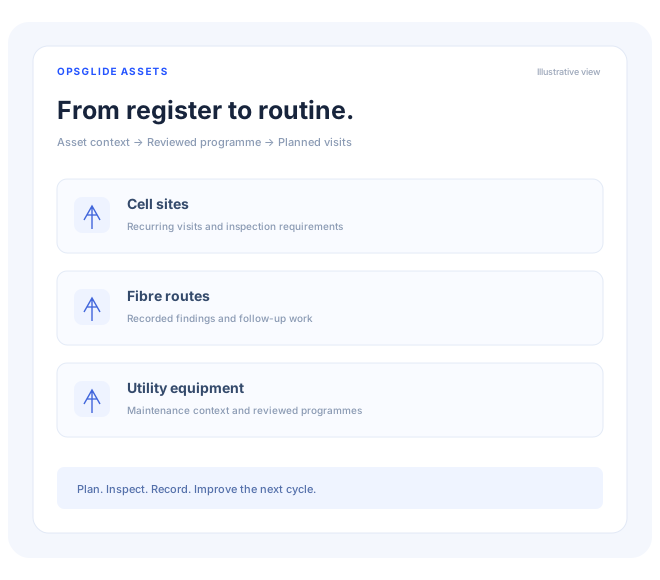
Cell sites, fibre routes, utility equipment and other distributed infrastructure with recurring inspection or maintenance needs.
Choose Assets on its own or connect it with the rest of the Opsglide portfolio. Your workflow, permissions and configured integrations determine what is available to each team.
LET’S PUT IT TO WORK
See Assets
in your operation.
Tell us about the work you want to improve. We’ll review your request and follow up to explore a relevant demo.